
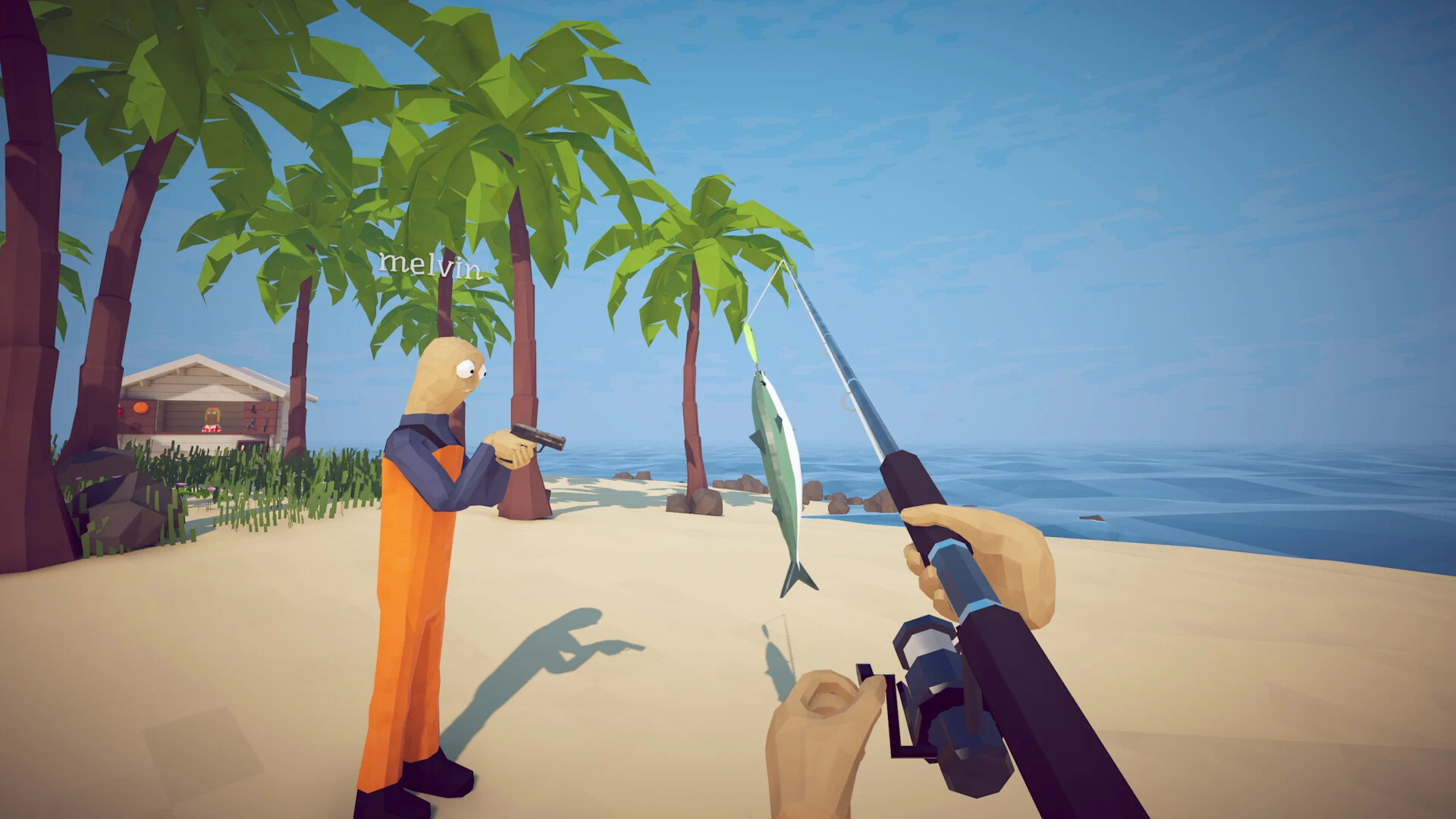
How to Fish · Guides
How to Fish saves, Steam Cloud and missing items
How to Fish supports Steam Cloud. To upload saves made before Cloud support arrived, play and exit once on the PC that has those saves, then let Steam finish synchronizing before switching devices. This is the migration instruction in patch 1.0.12.
Move to another PC or Steam Deck
- Open the game on the original device and load the world you want to keep.
- Save and exit normally. Allow Steam to complete its Cloud synchronization.
- Use the same Steam account on the other device and wait for synchronization before launching.
- Check the world name and progress before continuing to play.
If Steam reports a Cloud error or conflict, resolve it before launching again. Compare the timestamps with where you actually played most recently. Do not automatically choose the cloud copy: the original device may have newer progress. Steam's Cloud support guide explains why continuing through synchronization errors can lose changes.
Your friend's world belongs to the host
World progress is saved by the host. That save includes island progress, money, boat upgrades and each player's inventory under their Steam identity. Returning to a different host or another world is therefore not a reliable way to check whether the original inventory survived.
Collections and unlocked appearance options also have a separate local profile save. Starting a new world does not itself clear that collection. When only one part of your progress looks wrong, first identify whether it is a hosted world, your items in that world, or your local collection.
For connection problems before the world loads, use the co-op joining guide.
A weapon disappeared after reloading
Start by checking the same world with the same host and Steam account. Look through your stored slots and the separately held item, then check where you last dropped it. Dropped weapons have orange location dots; dead players use turquoise dots, as described in patch 1.0.11.
Ground storage has a limit. Patch 1.0.10 added persistence for up to 64 ground items, with priority for equipment and quest objects. The save logic excludes several temporary or attached objects and living creatures. A large pile on the beach is not dependable long-term storage.
Keep important equipment in inventory before saving. The save format includes weapon attachments, skins and melee sharpness, so a missing upgrade should be investigated as a save or item problem rather than assumed to be an intended reset. The inventory guide explains safe swaps and slot upgrades.
If a weapon only looks burnt, dip it into water. The same 1.0.10 patch added cleaning for cooked weapons and tools.
What the automatic backups can recover
The game checks save validity and keeps backups. Its current save system can fall back to a valid .backup file when a primary save is unreadable. That protects against some corruption; it is not a history of every earlier session.
Before attempting any manual replacement, close the game and copy the existing save files and backups somewhere separate. Preserve both candidate versions while you work out which contains the progress you need. Do not delete a world from the game's menu as a repair attempt: that operation also removes its associated backup and temporary file.
A valid save with an unwanted recent change may still load normally. Neither the game's fallback nor Steam Cloud promises an older recoverable copy. Verifying installation files also does not restore a lost inventory.
If the world still will not load
Keep the original device and save copies intact. Record the world name, game version, last working session, whether you hosted, and whether Steam reported a conflict. Send those details through Dazed Games' official support community. For a game that fails before you reach the save menu, follow the launch troubleshooting guide.
Sources
Related articles
- How to Fish Bean achievement: under-one-hour route
Plan the five-island route for Bean in How to Fish, keep required hand-ins moving, budget useful purchases, and finish before the fresh world reaches an hour.
- How to Fish boat upgrades: motors and radar costs
Compare How to Fish motor prices, shop islands and upgrade achievements, and learn how the handheld Radar differs from the purchased boat radar.
- How to Fish boss lures: prices and where to buy
Find every How to Fish boss lure, its price and shop island, then follow the quest-bait and creature-body triggers for Albatross and the final whale.