
How to Fish · Guides
How to Fish inventory slots and weapon upgrades
Dazed Games
To keep a new item when your inventory is full, put down something you can spare, then store the new item in the empty slot. Buying extra inventory slots gives you more room, but simply selecting an occupied slot does not create space.
Swap gear without throwing away the wrong item
- Choose a safe patch of ground where you can find a dropped item again.
- Select the stored item you want to replace and drop it there.
- Pick up the new item.
- Select the now-empty inventory slot to store it. Confirm the new item appears in that slot before leaving.
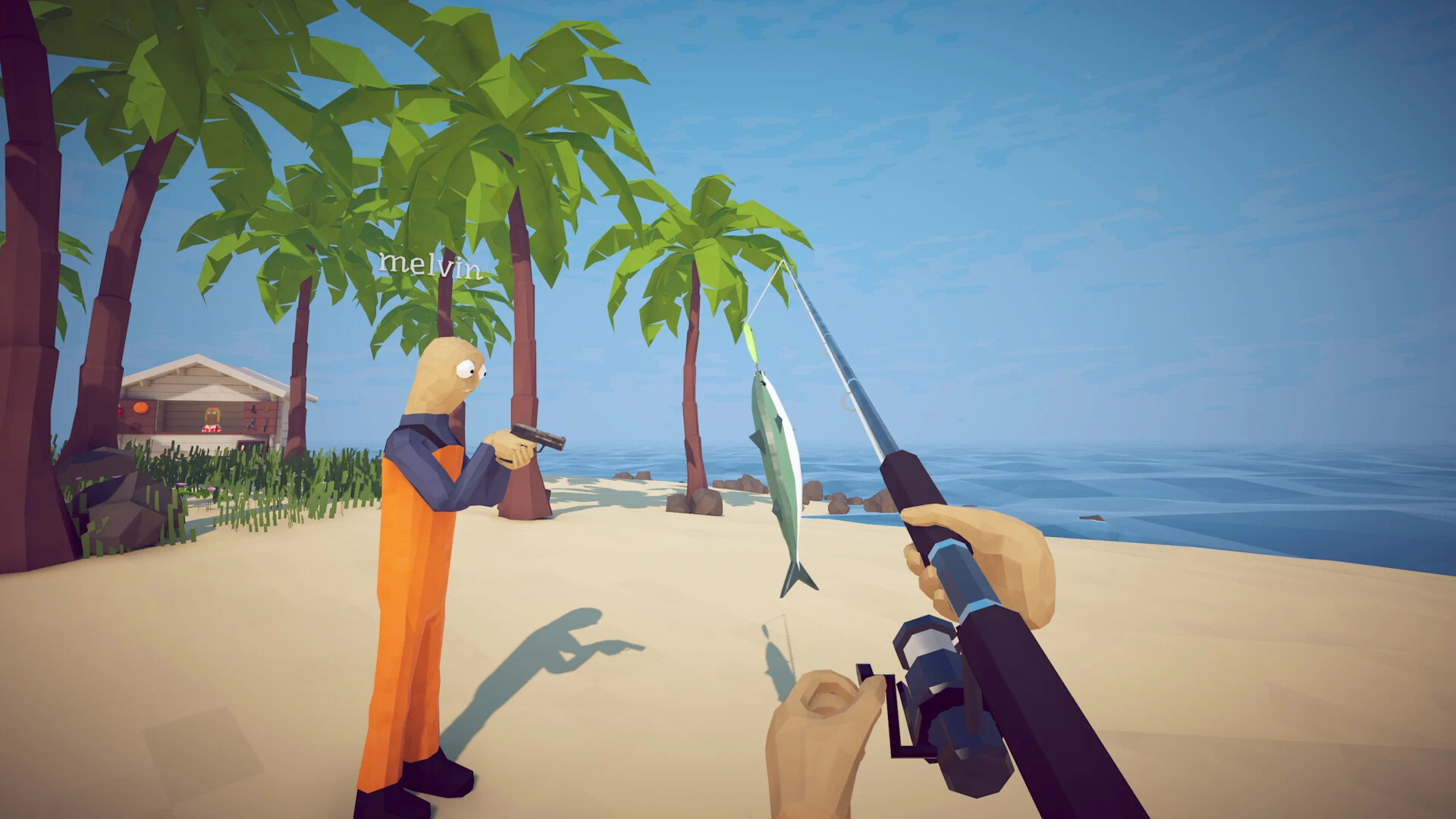
The game distinguishes the item in your hands from the items assigned to slots. When you select another slot while holding an unassigned item, it tries to store that item in an open slot. If there is no room, it drops it. This explains why switching weapons can unexpectedly leave a new purchase behind.
Use the actions shown in your control settings. Rebound keyboard and controller layouts can differ, so follow the displayed Drop and inventory controls rather than an assumed key.
Inventory upgrade costs
You begin with three inventory slots. Buy extra slots in sequence from the upgrade stations shown on their equipment pages.
| Upgrade | Price | Total slots afterward |
|---|---|---|
| First extra slot | 5 | 4 |
| Second extra slot | 10 | 5 |
| Third extra slot | 25 | 6 |
| Fourth extra slot | 50 | 7 |
| Fifth extra slot | 100 | 8 |
The first upgrade stations are mapped on Island 2; more are available on later islands. Earlier upgrades must be bought before later ones. The displayed prices are the active inventory purchase prices.
Choose a weapon for the encounter
Use the item directory to compare weapon records and their purchase locations. An attack's damage alone cannot establish the best weapon: range, firing behavior, reloads and whether you can hit the boss during its attacks all matter. There is no verified universal best-weapon ranking here.
The equipment directory lists attachment types including the Extended Mag, Red Dot Sight, Sniper Scope and Suppressor. Follow each entry's purchase locations and source details instead of assuming every attachment works with every weapon.
Older advice about buying replacement iron sights is outdated. Patch 1.0.11 removed that purchase to prevent accidental downgrades. It also blocked downgrading a suppressor to a compensator.
Weapon prices by first shop island
These are active purchase locations and base prices. A weapon appearing in a slot-machine reward pool or ammo-upgrade station does not mean that island sells the weapon itself.
| Weapon | Price | First weapon shop |
|---|---|---|
| Pistol | $50 | Island 2 |
| Shotgun | $150 | Island 2 |
| SMG | $650 | Island 3 |
| Sniper Rifle | $3,800 | Island 4 |
| Assault Rifle | $20,000 | Island 5 |
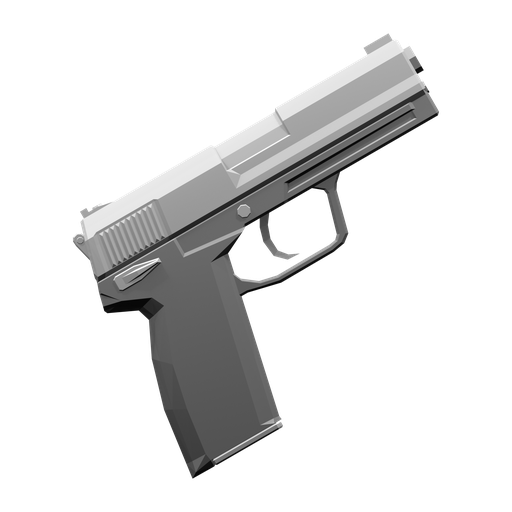
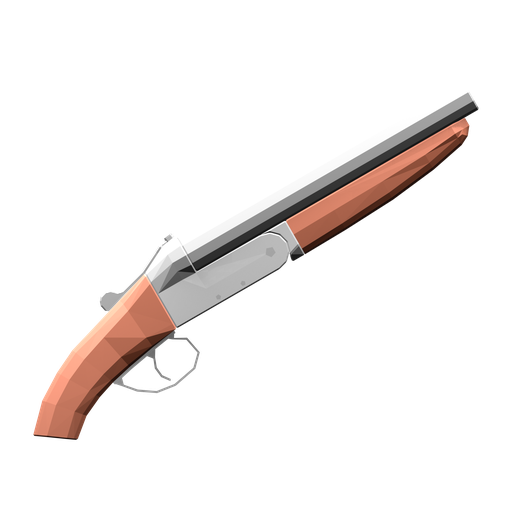
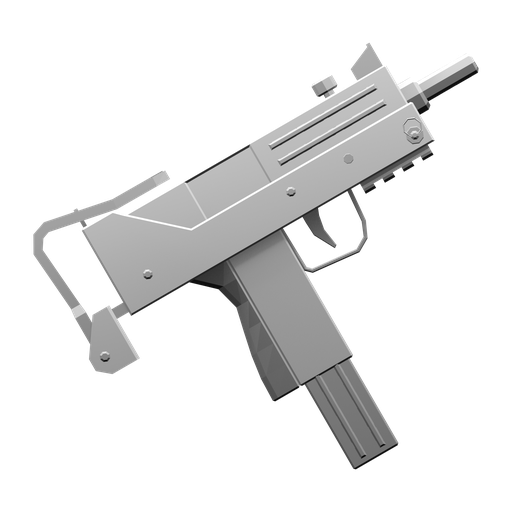
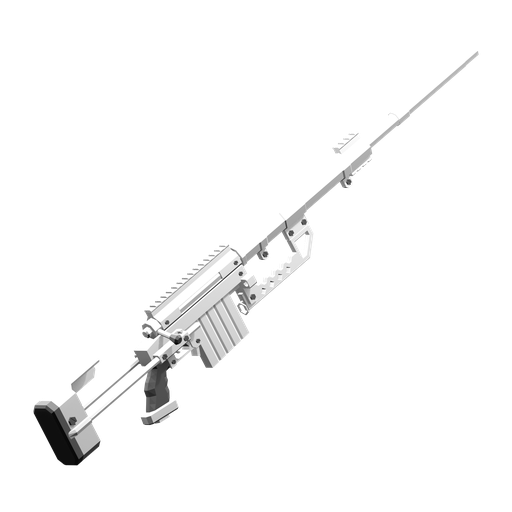
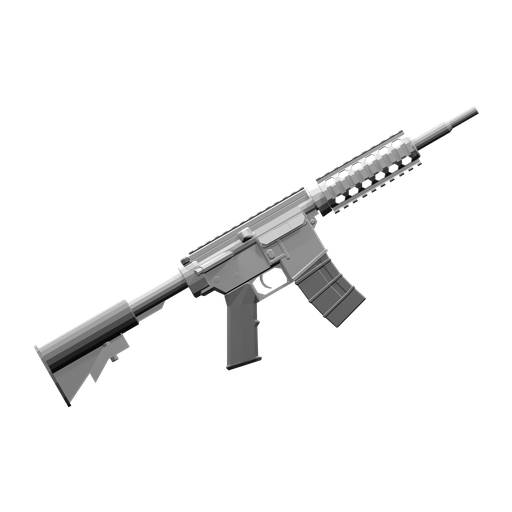
The first two are available before Giant Piranha. Later purchases add options for the Tuna, Albatross and Goblin Shark encounters. Price alone is not a damage-per-second ranking.
Fully equipped with a Pistol
Fully equipped checks one held weapon for an upgraded sight, upgraded ammunition, a barrel attachment, Laser Sight and Extended Mag. Buying these across several different weapons does not satisfy that one-weapon check.
The following is one fully costed setup using a Pistol. Its required sellers are available by Island 3.
| Required upgrade | Pistol price | First seller |
|---|---|---|
| Red Dot Sight | $310 | Island 3 |
| First ammunition upgrade | $15 | Island 2 |
| Compensator | $400 | Island 3 |
| Laser Sight | $100 | Island 2 |
| Extended Mag | $90 | Island 3 |
| Upgrade total | $915 | $965 including a new $50 Pistol |
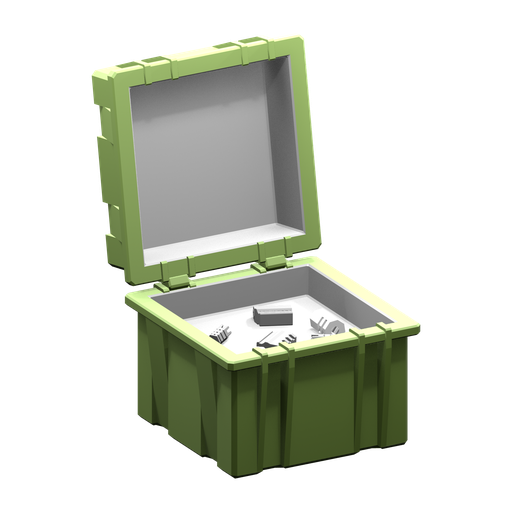
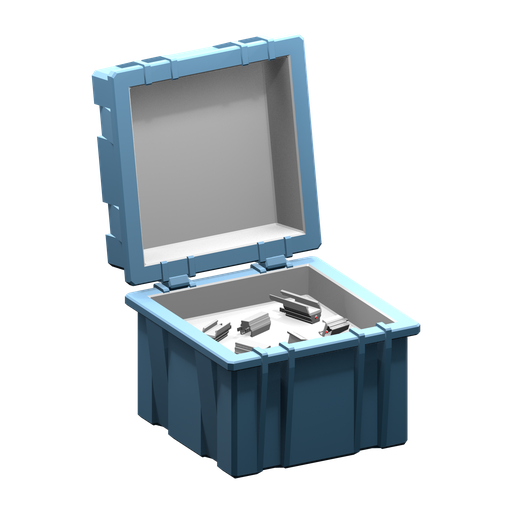
Hold the Pistol when buying its upgrades. The seller checks the held weapon and prices the attachment for that weapon. A Compensator price on the Pistol is not a universal price for every gun. This setup is a budget example, not a claim that every attachment must be at its maximum tier.
The Sniper Scope and Suppressor first have active sellers on Island 4. They are alternatives for their respective attachment categories, not two extra slots required on top of the five checks above.
Ammunition stations offer successive upgrades, with the available tier capped by the island. If the prompt says the weapon is maxed on that island, visit a later station rather than buying another weapon to repeat the same purchase. The source purchase logic derives cost and damage from that weapon's next ammunition tier.
Find dropped gear and clean burnt weapons
Dropped weapons use orange location dots. If an item is missing after a restart, check the save and ground-item limits before assuming it was destroyed. Only a bounded set of ground objects persists between sessions, so use inventory for valuable equipment.
A cooked weapon or tool can be cleaned by dipping it into water, following patch 1.0.10. Check this before spending money on a replacement.
Your own explosives can kill you even with friendly fire disabled. Leave room to use them safely; that setting does not remove self-damage.
Boat motors and navigation are separate purchases
Use the motor and radar price table for all upgrade sellers and the difference between handheld and mounted navigation.
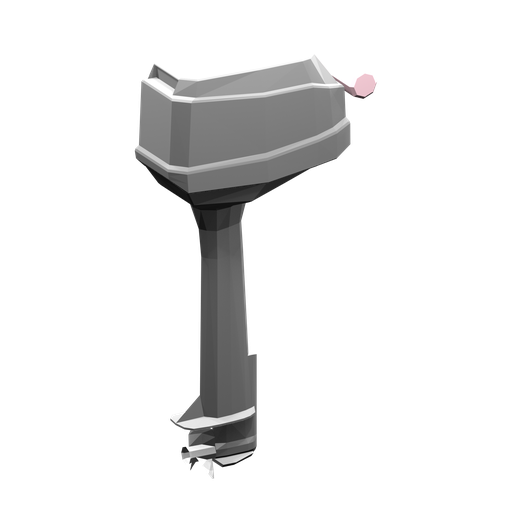
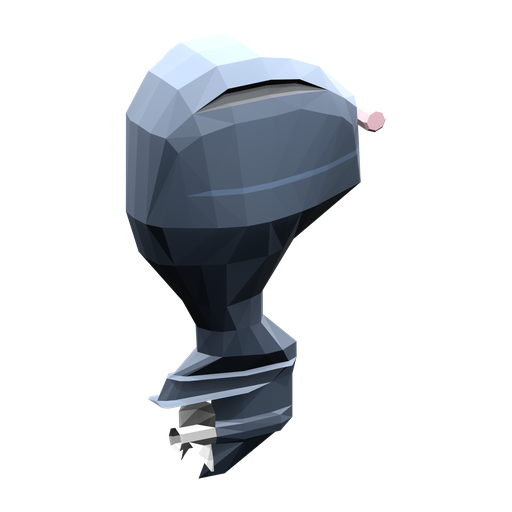
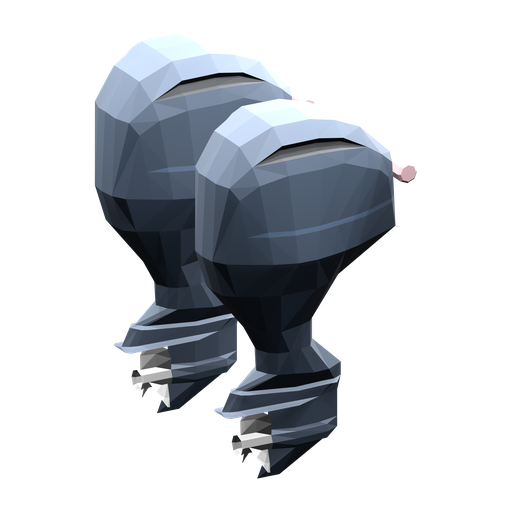
The boat starts with a Small Motor. The Medium Motor and Big Motor increase its source motor force. Those force values are not measured travel speeds.
The Radar is a purchased navigation item. On Island 1 it is beside the Lighthouse Keeper. Earning the boat and buying the Radar are separate actions; see the boat walkthrough if you have the boss trophy but cannot leave yet.

Explore the encyclopedia
Sources
Related articles
- How to Fish boat upgrades: motors and radar costs
Compare How to Fish motor prices, shop islands and upgrade achievements, and learn how the handheld Radar differs from the purchased boat radar.
- How to Fish Bean achievement: under-one-hour route
Plan the five-island route for Bean in How to Fish, keep required hand-ins moving, budget useful purchases, and finish before the fresh world reaches an hour.
- How to Fish boss lures: prices and where to buy
Find every How to Fish boss lure, its price and shop island, then follow the quest-bait and creature-body triggers for Albatross and the final whale.