
Aion 2 · Guides
How to download and install Aion 2 on PC (Steam and PURPLE)
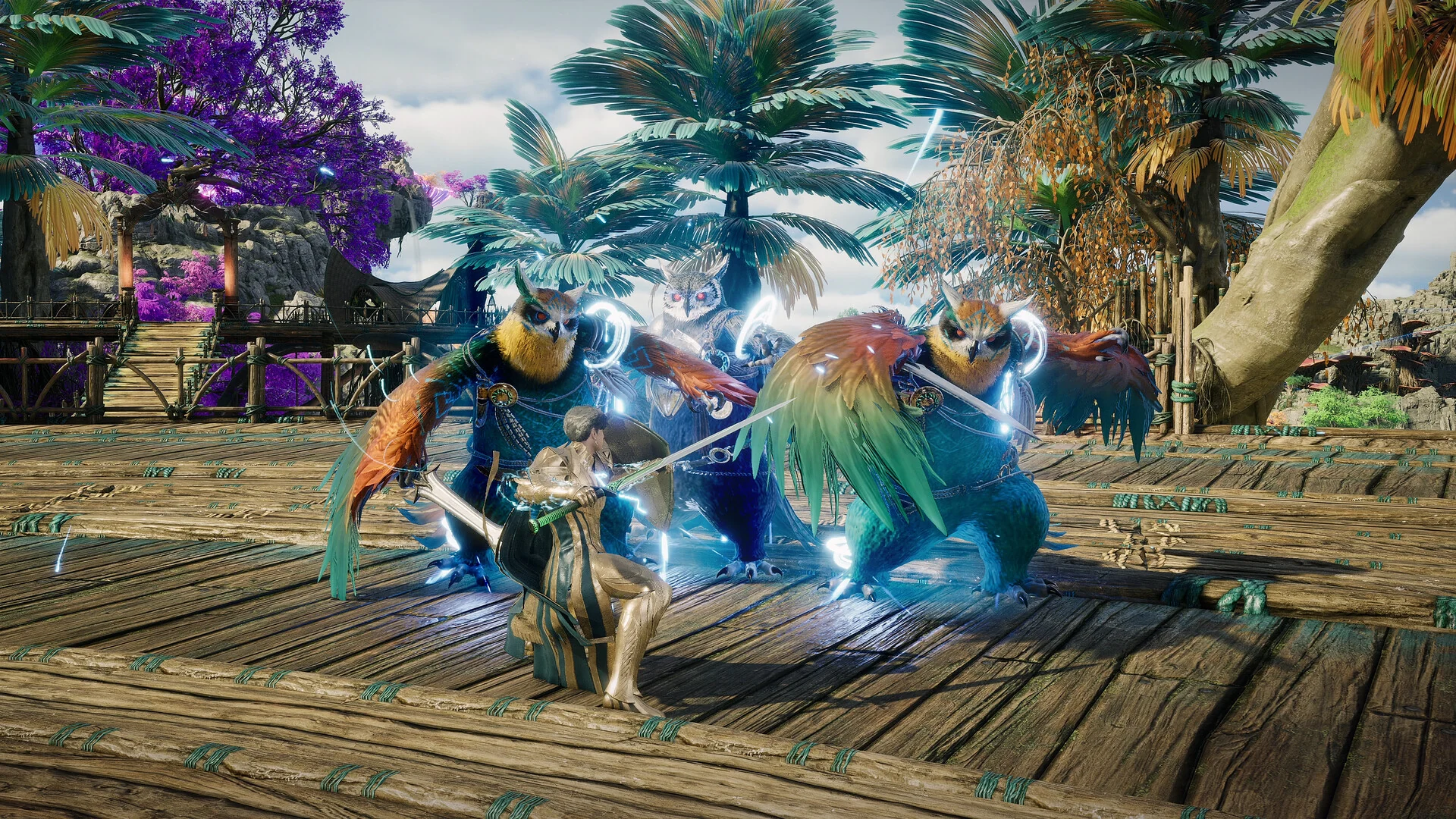
NCSOFT / AION 2 official Steam screenshots
TL;DR
- Aion 2 is a free-to-play Windows PC game. Get it from Steam or NC's PURPLE launcher.
- Both launchers have the same game content and share the same servers.
- There is no mobile version of the global game. Linux, Steam Deck and controllers may work but are not officially supported.
- You need 100 GB of free space. NC recommends an SSD.
- Founder's Packs are optional. They gave five days of Advanced Access plus cosmetics and a 30-day membership.
Everything on this page is from NC's announcements and the Steam store page, as of 4 October 2026.
Steam or PURPLE
NC's Launch FAQ and the Steam store page answer the common questions:
| Topic | Steam | PURPLE |
|---|---|---|
| Get it from | AION 2 store page | purple.plaync.com |
| Account | Steam account; no PURPLE link needed | NC account |
| Before you play | Accept the AION 2 EULA, a third-party license | Sign in |
| Storage | 100 GB, SSD recommended | 100 GB, SSD recommended |
| Twitch drops | Link your Steam account | Link your NC account |
| Game content and servers | Same as PURPLE | Same as Steam |
Link a Steam and a PURPLE account only if you want the same characters and progress on both launchers.
Install steps
- Pick a launcher from the table above. For PURPLE, download the launcher and sign in with an NC account.
- Make room. The Steam page lists 100 GB of storage for both the minimum and recommended specs, with an SSD recommended. See the system requirements.
- Install AION 2 and start it.
- Choose your region, then your faction, then a server. The server guide explains how to pick.
If you joined the Launch Scale Test on Steam, that ran as a separate Playtest app. NC says Steam players must uninstall the Playtest app and download AION 2 itself. PURPLE players need no extra step.
Pre-downloads before Advanced Access were encrypted. NC explained that the game decrypts the files when it opens, which takes longer on slower PCs, and that this is not a reinstall.
Mobile, Linux, Steam Deck and controllers
| Platform | Status | NC's word |
|---|---|---|
| Windows PC | Supported | Official support for Steam and PURPLE on Windows PC |
| Mobile | Not available | The global version was developed only for PC |
| Linux, Steam Deck | Not supported | May run on other platforms or devices |
| Controller | Not supported | Playable, but not officially supported |
What it costs
NC's Launch FAQ lists the paid options as cosmetic items, a Battle Pass, and an optional monthly membership that gives access to the player-driven economy and currency exchanges.
Founder's Packs were the way into Advanced Access, which ran from 30 September to 4 October. As of 4 October 2026, the US Steam store lists three tiers:
| Pack | US Steam price | Adds |
|---|---|---|
| Standard | $24.99 | Five days of early access, a 30-day Special Quai Membership, the Daeva's Campaign Supply Chest and the title Vanguard of Atreia |
| Deluxe | $49.99 | Standard, plus the Ascended Daeva armor skin and Eternal Sun weapon skin |
| Ultimate | $99.99 | Deluxe, plus the Daeva's Styling Chest, the Moonlit Aria armor skin, the Black Dragon pet and the Blazing Sun wings |
NC's Advanced Access notice of 2 October said the last chance to buy a pack was 5 October at 08:00 PDT. On 3 October NC said the pack's title and cosmetics will become usable on every character on every server, and that the change will land after Advanced Access ends. The membership and the two chests stay one-time rewards. If you buy a higher tier to get more cosmetics, NC says PURPLE lets you upgrade, and Steam buyers can ask Customer Support to refund the lower pack.
The 30-day membership includes Market access, personal trading, the Quna Exchange Shop and remote storage, among other perks listed in NC's notice.
Getting help
NC's customer support is at help.plaync.com. NC asks players to report bugs in the bug-reports channel of the official Discord.
Next steps
Sources
- Steam: AION 2 store page
- NC: PURPLE launcher download
- NC: Launch FAQ
- NC: Steam pre-release FAQ
- NC: Pre-download available now
- NC: Launch Scale Test comes to a close, what's next?
- NC: Founder's Pack content showcase
- NC: 30-day membership added to Founder's Packs
- NC: Founder's Packs cosmetics soon available on all characters
- NC: Jump into Advanced Access now
- NC: Advanced Access servers and launch schedule
Related articles
- Aion 2 Abyss guide: Reshanta, Abyss Points and Artifact Sieges
How the Aion 2 Abyss works on global: entering Chaotic Lower Reshanta, the weekly time limit, earning Abyss Points, Artifact Sieges and the Abyss Corridor, and what to buy with your points.
- Aion 2 achievements and titles: which titles to equip
How Aion 2 titles work: owned and equipped effects, the three equipped titles, how achievements award them, and the titles creators chase for PvE.
- Aion 2 alts: do you need them, and how to level them
Do you need alts in Aion 2? What an extra character adds, which limits are per character and which are shared across your server, how alts send Kina to your main, and how to level one quickly.