
Aion 2 · Guides
Aion 2 macro guide: how skill lines and the macro key work
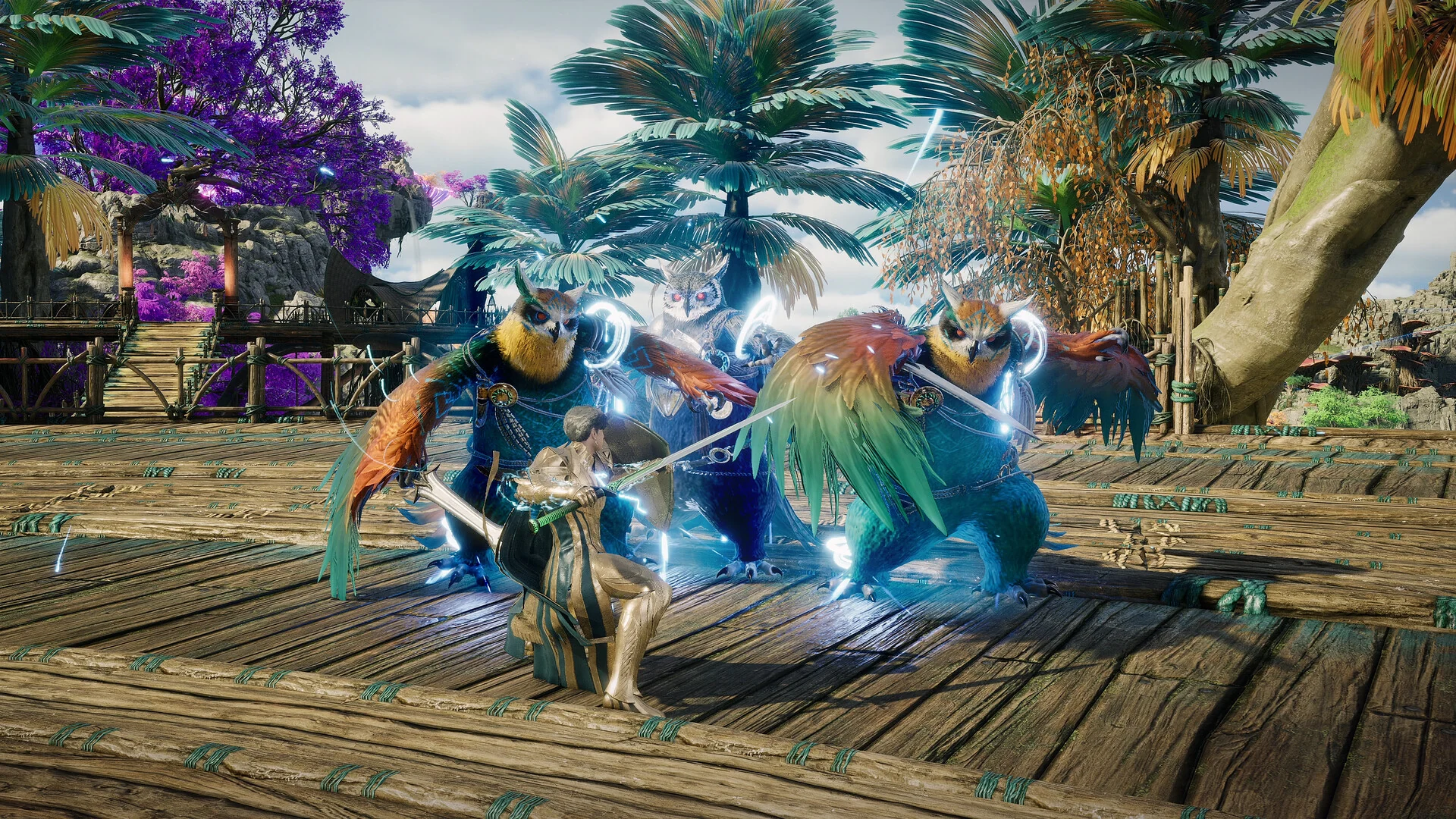
NCSOFT / AION 2 official Steam screenshots
TL;DR
- Each row on your action bar is one key. Put several skills on a row and each press uses the next one that is off cooldown.
- The macro joins one or more rows onto a single key you can hold. It has no key by default: set it under Settings, Key settings, General, Gameplay.
- On a row, the skill at the bottom has the highest priority. Never put a skill with no cooldown at the bottom, or the row will only ever use that skill.
- Keep self-buffs, Stigma burst skills, dashes and charge skills out of the macro and press them yourself.
- Grobs holds the basic attack and the macro key together, so the game weaves basic attacks in as animation cancels.
How skill rows work
The macro builds on your action bar, so start there. You can assign several skills to one key. Each press uses them in turn, skipping any on cooldown.
Creator tip
Think of each line not as a specific bind for one skill as we are usually accustomed to. Instead a macro line, a combo line. Think of it as a combo.
Order matters. The game tries the skill at the bottom of a row first.
Creator tip
The lower the ability on the line, the higher the priority it has.
That is why SywoGG warns against putting a skill without a cooldown at the bottom of a row. It is always ready, so the row never gets past it.
| Position on the row | Put here | Priority |
|---|---|---|
| Top | No-cooldown filler | Lowest, used when everything else is on cooldown |
| Middle | Other cooldown skills | Tried after the bottom |
| Bottom | Your highest-priority cooldown skill | Highest, tried first |
Setting up the macro
The skill menu, and with it the macro, opens at level 4. To use it:
- Bind a macro key under Settings, Key settings, General, Gameplay macro. Grobs and SywoGG use right click.
- Open the skill menu and choose Macro in the top right, then Add macro.
- Add rows, not single skills. Each slot in the macro takes a whole action-bar row.
- Hold the macro key. It keeps cycling through every row you added.
Storyteller notes that the delay between macro steps can now go as low as 10. The game data records the same minimum.
Basic attacks and animation cancels
Most skills can be cancelled with your basic attack. A dark silhouette behind your character shows a successful cancel.
Creators set this up two ways:
| Creator | Basic attack | You hold |
|---|---|---|
| Kanon | Inside the macro | One key |
| Grobs | Outside the macro | Both keys at once, because he finds the game cancels more animations that way |
Creator tip
So, you always want to hold your LMB and your macro button at the same time.
What to leave out
The creators agree that a macro should hold only the skills you would press nonstop anyway.
Creator tip
Generally speaking, macros should be kept clean. Your selfbuffs should be used manually. Your dash skills should be used manually on a different keybind.
| Keep out of the macro | Why |
|---|---|
| Self-buffs and Stigma burst skills | Grobs keeps them manual so they don't go off on trash mobs or just before a boss mechanic. Season 1 characters have less cooldown reduction, so timing them matters more |
| Dashes and mobility | You need them on their own keys to dodge |
| Charge skills | SywoGG binds them separately |
How big to start:
| Creator | Starting macro |
|---|---|
| SywoGG | One or two rows, five or six skills in total |
| Grobs | Only his core combo; he adds a skill once he knows it can be used nonstop |
You will also adjust it as specialties unlock: a reset specialty can turn a cooldown skill into one you use far more often.
Creator tip
I usually only have my bread and butter combo in my macro and nothing else.
Mouse and keyboard software macros
Storyteller and Grobs both describe using mouse software to hold the basic attack and macro keys for you. Grobs describes them as not really allowed but not forbidden either, and expects a ban for anyone who leaves one running to farm unattended. Corpus does not cover setting them up.
Class macro setups
The class builds list the rows and order each creator uses:
| Role | Class builds |
|---|---|
| Tank | Gladiator, Templar |
| Melee damage | Assassin |
| Ranged damage | Ranger, Sorcerer, Spiritmaster |
| Support | Chanter |
For how specialties change what belongs in your rows, see skills and Stigma.
Explore the encyclopedia
Sources
Related articles
- Aion 2 Abyss guide: Reshanta, Abyss Points and Artifact Sieges
How the Aion 2 Abyss works on global: entering Chaotic Lower Reshanta, the weekly time limit, earning Abyss Points, Artifact Sieges and the Abyss Corridor, and what to buy with your points.
- Aion 2 achievements and titles: which titles to equip
How Aion 2 titles work: owned and equipped effects, the three equipped titles, how achievements award them, and the titles creators chase for PvE.
- Aion 2 alts: do you need them, and how to level them
Do you need alts in Aion 2? What an extra character adds, which limits are per character and which are shared across your server, how alts send Kina to your main, and how to level one quickly.