
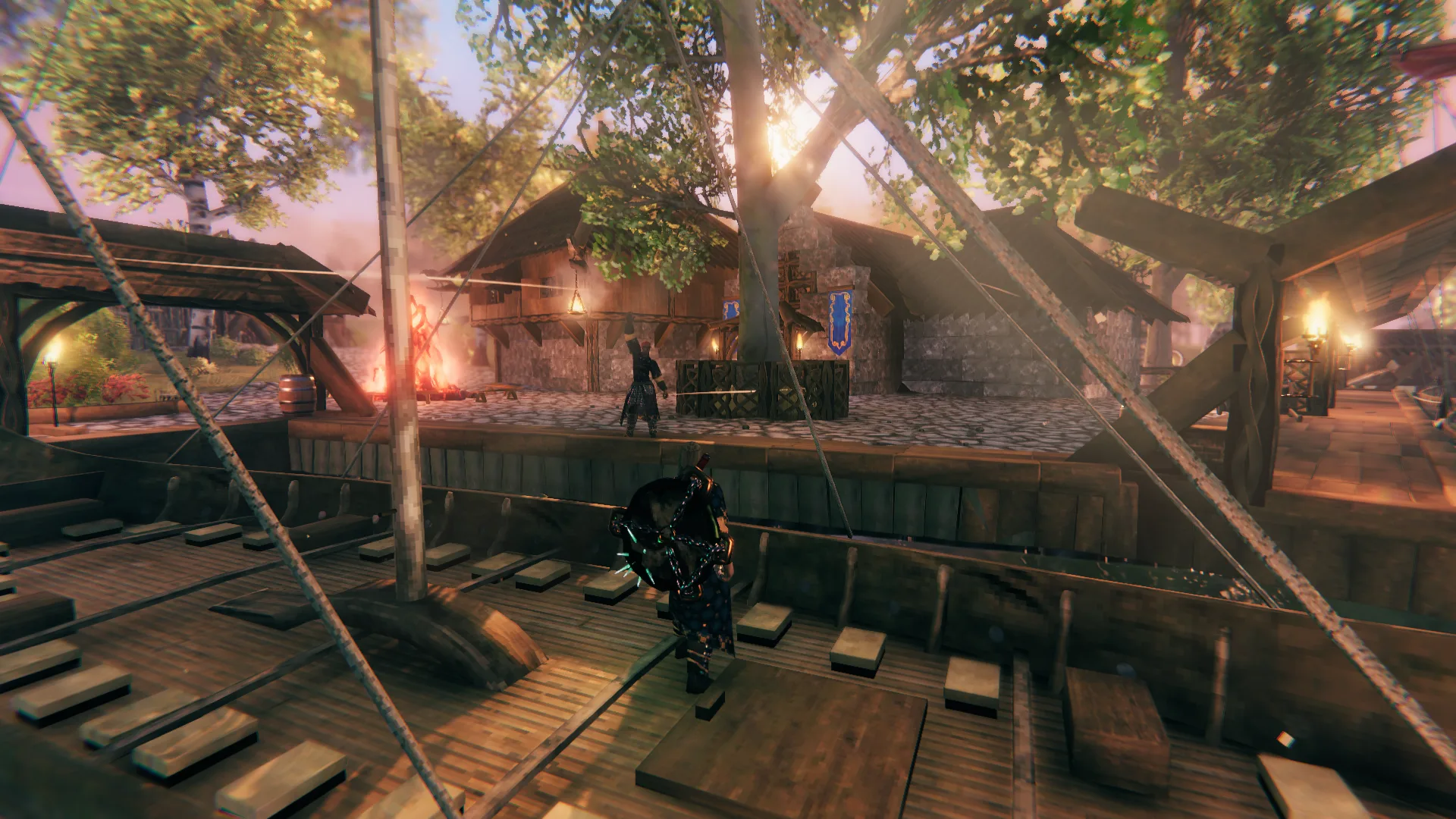
Valheim · Guides
Valheim sailing and portals: travel and connection problems
Sail to new shores, then connect them with portals for return trips. Give exactly two portals the same tag to pair them. Cargo restrictions and world travel settings can still stop you passing through.
The controls and restrictions below were checked against Valheim 1.0.12 on September 13, 2026. Follow your game's displayed bindings for steering and speed inputs.
Sail and paddle a boat
Stand aboard and interact with the controls. You must be within reach and not encumbered to take control. Use the forward and backward speed inputs to move through the available settings:
| Setting | What it does |
|---|---|
| Back | Paddle backward |
| Stop | Stop applying sail or paddling propulsion; existing motion does not disappear instantly |
| Slow | Paddle forward |
| Half | Use half sail |
| Full | Use full sail |
Steer with the directional controls while watching the boat's heading and wind indicator. Sail force depends on wind direction, wind intensity, sail setting and the boat's parameters. If you point too directly into the wind, the sail cannot help you. Switch to Slow to paddle forward when the wind is against you. Turning also affects how much of that force moves you forward.
Reduce speed early near land and obstructions. The boat keeps moving after you cut propulsion, and waves, turns and collisions affect where it ends up. The transport directory gives boat-specific construction and storage information; compare those details with the cargo and materials you have.
Connect two portals
- Build the two portals and leave their arrival areas accessible.
- Interact with each portal's tag field and enter exactly the same text, including capitalization and spaces.
- Allow the connection to update, then check that the portal has a target before entering.
Use a distinct tag for each intended pair. If more than two unconnected portals share a tag, the game can choose a matching partner randomly. Give each pair its own tag so you know where it leads. Changing a tag can break an existing pair and allow a different match; verify the result before relying on it for a return trip.
A connected portal still refuses travel
| Condition | What to check |
|---|---|
| No destination | Verify both tags, that the partner still exists and that a matching portal is not already paired elsewhere |
| Items block travel | Inspect the items' teleport restrictions and the portal you are entering; its allow-all-items setting is used for this check |
| World disables portals | Check the world's portal setting; matching tags cannot bypass it |
| Boss-related restriction | A world configured to disable portals during boss activity can refuse travel while the relevant boss state is active |
An allow-all-items portal or the matching world setting lets you carry ordinarily restricted cargo. There is one progression spoiler to watch for. The final quest item Sacrificial Blood still blocks travel under this inventory check.

For an ordinary cargo failure, put the restricted items into storage and retry, or use a travel option allowed by your world. The transport reference explains the restrictions. Individual item and portal pages show which rules apply to them.
Related articles
- Valheim boss order and progression: Meadows to Deep North
A practical Valheim 1.0 route through eight bosses, their offerings and useful unlocks, with Swamp, Mistlands and Ashlands preparation and the final Kall encounter.
- Valheim building guide: support, roofs and smoke
Fix collapsing pieces, exposed workbenches, unusable beds and smoky fires in Valheim. Plan a base with enough support, shelter and room to work.
- Valheim equipment guide: choose weapons, armor and arrows
Compare Valheim weapons at the quality you can make, choose arrows for boss resistances, and weigh armor, shields and woodcutting tools against their costs.